
Valorant Tracker
Stop guessing and start winning. We analyzed the best tracking technologies to help you master your HS%, ADR, and win rates. Discover professional insights to analyze your gameplay and dominate your rank this season.
- ✔ Expert comparison of top analytical tools
- ✔ Data-driven insights for rank improvement
- ✔ 100% Secure & authorized API methods
Table of Contents
What is a Tracker?
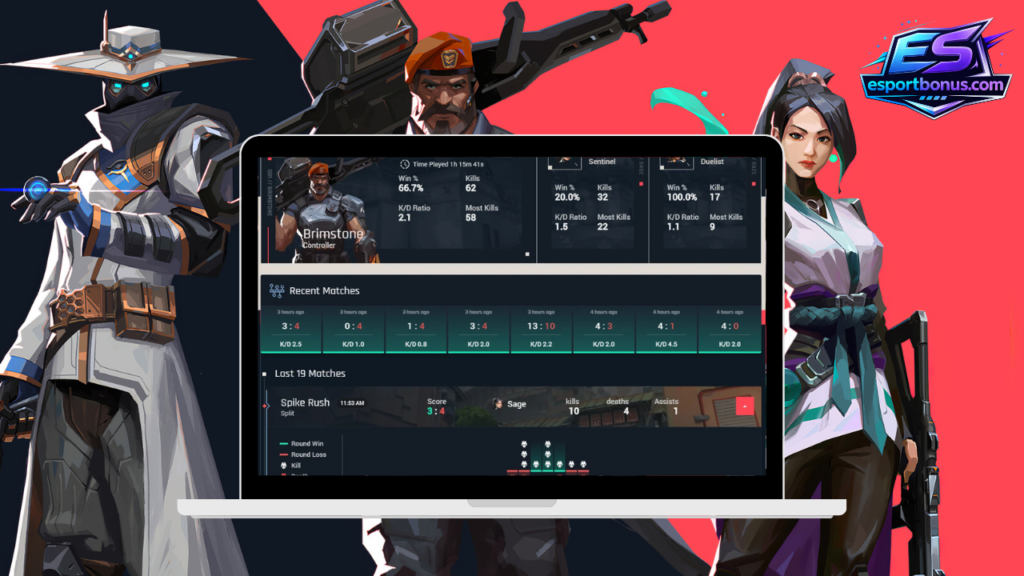
In the modern era of competitive gaming, a Tracker is a specialized analytics platform that acts as a bridge between your raw gameplay and actionable data. Specifically for Valorant, these tools connect directly to the Riot Games API to pull every detail of your match history and transform them into a comprehensive performance dashboard, providing a level of depth that we value highly at esportbonus.com.
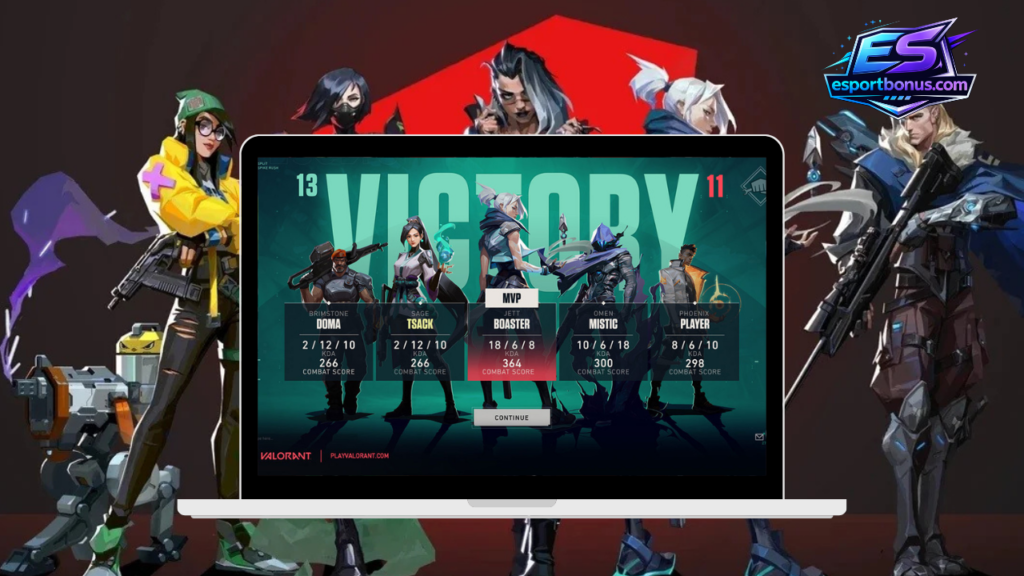
While the “Career” tab inside the Valorant game client only shows you basic info (wins, losses, and KDA), a tracker goes much deeper. It records and calculates complex metrics that are normally “invisible” to the player during the heat of battle. Today, platforms like Tracker Network (TRN), Blitz, and Valking are used by millions to track stats across various titles like LoL, CS2, and Apex Legends.
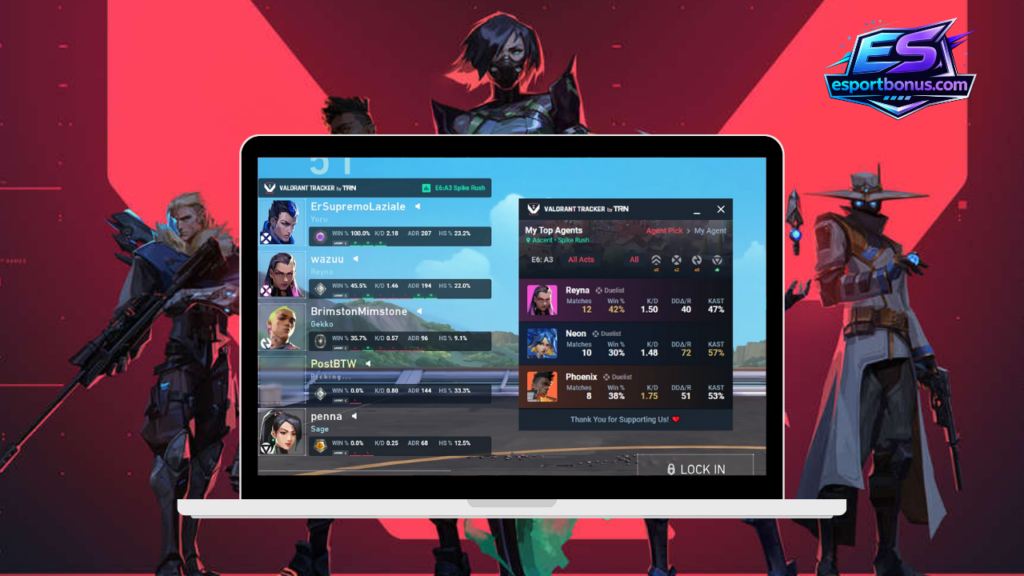
A Professional Mirror for Your Performance Think of a Valorant tracker as a digital coach. It provides a 360-degree view of your habits, strengths, and weaknesses. Instead of just knowing that you won or lost, a tracker breaks down:
- Mechanical Accuracy: Your precise headshot percentage (HS%) compared to other players in your rank.
- Strategic Impact: How often you win clutches or successfully entry-frag into a site.
- Consistency: Your performance trends over weeks or months, rather than just your last five games.
Why Every Serious Player Needs One The difference between a player who stays stuck in “Elo Hell” and one who climbs to Immortal often comes down to self-awareness. By using a tracker, you remove the guesswork from your improvement. You stop relying on “feeling” that you played well and start looking at cold, hard numbers. This analytical approach is the same one we use at Esportbonus to evaluate team strengths and professional match outcomes.
In 2026, the meta is more complex than ever. Whether you are analyzing your win rate with a specific agent on Abyss or checking your ADR (Average Damage per Round), the tracker is the only tool that allows you to see the “big picture” of your career. It turns raw data into a roadmap for your next rank up.
Can you improve with trackers in Valorant?
Using a Valorant tracker can definitely make you a better player. To be more precise, it provides a shortcut to improvement. The primary reason is that it reveals detailed statistics that are not available within the standard game client. Simply playing and looking at the in-game scoreboard only gives you a fraction of the story; raw data tells the whole truth.
For example, consider Headshot Percentage (HS%). In Valorant, landing headshots is one of the most critical skills for climbing out of lower ranks. While the in-game scoreboard shows kills and deaths, it doesn’t tell you if you are losing duels because you are aiming at the body or if your crosshair placement is fundamentally flawed.
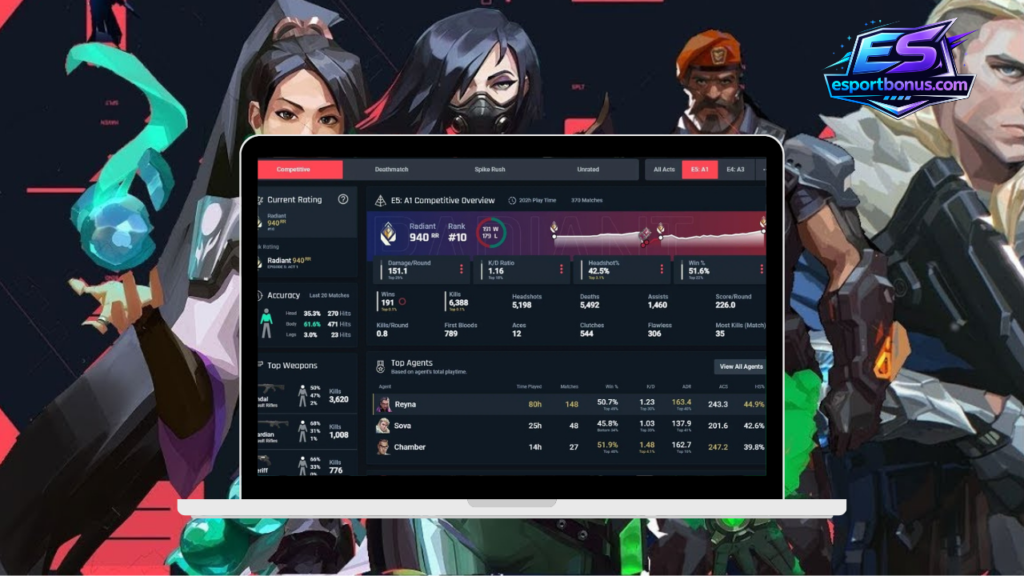
Identifying Your “Performance Leaks” By using a tracker, you can identify your “performance leaks”—the specific areas where you are losing Elo without realizing it.
- Data vs. Emotion: After a loss, you might feel like you played well but had bad teammates. A tracker removes this bias by showing you if your ADR (Average Damage per Round) or KAST% (Kill, Assist, Survive, Traded) was actually sufficient for your rank.
- Targeted Practice: If a tracker shows that your HS% is significantly lower than the average for your current rank (e.g., Platinum), you know exactly what to fix. By using tools like the Tracker.gg App, you can see these comparisons in real-time and dedicate time to specific aim training instead of just “playing more.”
- Tactical Awareness: Trackers can show you if you are dying early in rounds (First Deaths). High First Death rates often mean your positioning or entry timing needs work, even if your aim is elite.
In short, a tracker doesn’t just show you how you played; it shows you how to practice. For any player aiming for Radiant in 2026, using these data-driven insights is the most efficient way to ensure consistent growth and long-term success.
Metrics you can see in Valorant Tracker
Once you link your account, the tracker transforms your match history into a professional database. Here is a deep dive into the specific metrics you can analyze to master your game:
Win Rate per Map: Every player has a favorite map, but the tracker shows you the truth. It breaks down your success on Abyss, Haven, Bind, and others. If you see a 30% win rate on Ascent over 20 games, it’s a clear sign that you need to learn new setups for that specific map.
Stats per Weapon: The tracker settles the “Vandal vs. Phantom” debate for you. It shows your accuracy and kill count for every gun. You might find that your headshot rate is 10% higher with the Phantom, or that you are surprisingly efficient with the Marshal during eco-rounds. This allows you to play to your mechanical strengths.
Stats by Mode and Act: Valorant is a game of evolution. A tracker allows you to filter your data by “Act” (seasons) and by game mode (Competitive, Unrated, Swiftplay). This is essential because your performance in a “fun” mode shouldn’t skew the data you use to improve your Rank. At esportbonus.com, we recommend focusing strictly on your Competitive filters for the most accurate growth assessment.
Average Stats (All Matches & Per Round): These are your “Big Four” metrics: K/D Ratio, ADR (Average Damage per Round), HS%, and Win Rate. While K/D is popular, pros look at KAST% (Kill, Assist, Survived, Traded) to measure their true impact on a round.
Records for Each Agent: Not all players are meant to be Duelists. Platforms like Valking.gg provide a specific file for every agent you play. You might realize you have a 65% win rate on “boring” smokes and only 40% on “flashy” Duelists, helping you pick the right agent to actually climb.
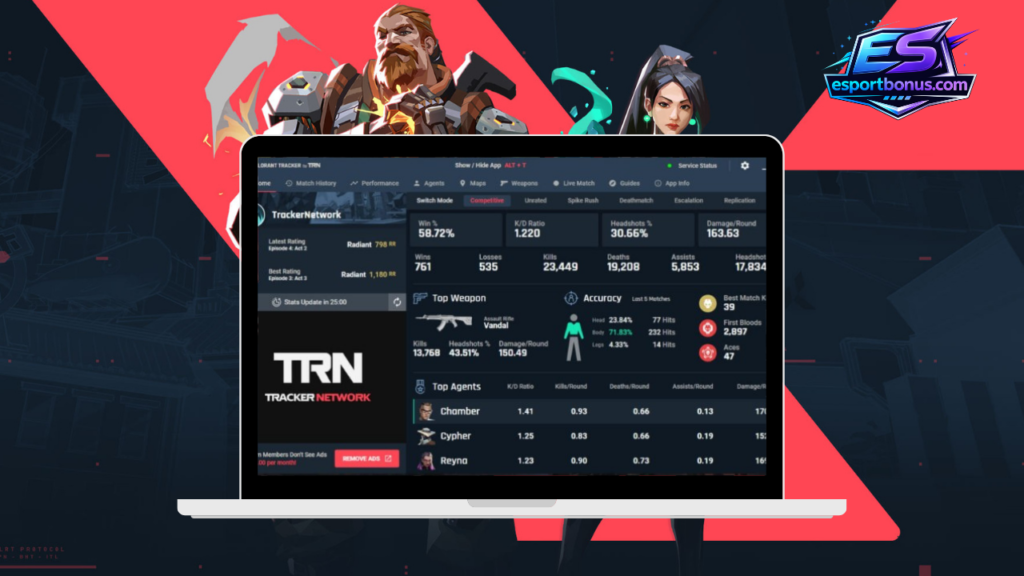
Match-by-Match History: This section acts as your digital replay booth. You can click on any past match to see round-by-round performance. Who did you kill? What was your economy like? Analyzing your losses here helps you identify if you are losing because of “aim” or “poor economy management.”
Other items you can see in the Valorant tracker
Beyond basic statistics, modern trackers offer specialized tools that provide a massive competitive edge. These features are designed to help you understand the “why” behind your wins and losses:
- Death & Kill Heatmaps: This is one of the most powerful tactical tools. Heatmaps show you exactly where on the map you get your kills and, more importantly, where you die most often. If you see a cluster of red dots in a specific corner of Abyss or Haven, you know your positioning there is being exploited by enemies.
- Global & Regional Leaderboards: Ever wondered how you rank against the rest of the world? You can see your standing compared to the entire player base, filtered by region, rank, or even specific agent mastery. This helps you track your progress toward the top 1% of players.
- Pro Player Comparison: Many trackers allow you to overlay your stats with those of VCT (Valorant Champions Tour) professional players. This level of data is exactly what we analyze in our Esports Betting section to identify which teams have the mechanical edge before a big match.
- Teammate & Enemy Analysis: Some trackers provide a “scout” report of your opponents during live matches. You can see their favorite agents, their recent win streaks, and their tendencies, allowing your team to adapt your strategy before the first round even begins.
How to use the Valorant tracker?
Starting your data-driven journey is simple, but there is one mandatory step that most players miss: making your profile public. Because of Riot Games’ privacy policies, tracker websites cannot “see” your stats unless you explicitly grant permission through your Riot account settings.
Step 1: Sign In with Your Riot ID
Visit a reputable tracker site or download the Valking.gg app and log in using your official Riot Games credentials. This is safe as these platforms use the official Riot Sign-On (RSO), meaning they never see your actual password.
Step 2: Set Your Profile to “Public”
This is the most important part. If your profile is set to private, the tracker will show a “Profile Not Found” error.
- Log into the Riot Games website.
- Go to Settings > Privacy.
- Locate the option for “Share Game Data” and ensure it is turned ON.
- Once enabled, play at least one match for the system to refresh and start pulling your data.
Step 3: Use the In-Game Overlay
In 2026, many trackers provide a Live Overlay that appears during your matches. It allows you to see your teammates’ ranks during the loading screen and track your progress toward your next rank-up without having to Alt-Tab.
Valorant Tracker: App vs. Web Version
While the website version is great for analyzing your long-term trends after a session, the App version (Desktop) is a game-changer for real-time performance. In 2026, most serious players use a desktop overlay to get a competitive edge.
Key Features of the App Version:
- Live Match Overlay: Shows a “Scouting Report” of your opponents during the agent select screen.
- Real-Time Performance Tracking: Tracks your kills and ADR round by round.
- Post-Match Highlights: Automatically record your best plays or “clutches.”
- Low System Impact: Optimized to run in the background without affecting your FPS.
Are Valorant trackers safe to use?
This is the most common question from players: “Will I get banned for using a tracker?” The short answer is No. Valorant Trackers are 100% safe and compliant with Riot Games’ policies.
- Riot Games API: These tools use official methods to fetch data legally.
- No Cheat Injection: They do not modify game files; they simply “read” the data provided by the server.
- Vanguard Compatible: Software works alongside Vanguard. Since these developers are official partners, there is no risk of a ban.
- Account Security: At Esportbonus, we only recommend tools that use Riot Sign-On, ensuring your credentials remain private.
Valorant Tracker FAQ 2026
Find expert answers to the most common questions about Valorant trackers, account privacy, and how to safely use data to rank up.
Which is the best Valorant tracker in 2026?
While it depends on your needs, Tracker.gg is the gold standard for PC desktop overlays. If you prefer to analyze your agent records and match history on your phone, we highly recommend the Valking.gg mobile app for its clean interface and detailed breakdowns.
Will I get banned for using a tracker?
No. Valorant trackers are 100% safe. They use the official Riot Games API to pull match data and do not modify any game files. These tools are authorized by Riot and work alongside Vanguard without any risk to your account.
Why are my stats not appearing or updating?
The most common reason is that your profile is set to Private. You must log into the official Riot Games website, go to Settings > Privacy, and turn “Share Game Data” ON. After that, play one match to refresh the system.
Can I use tracker data for esports betting?
Absolutely. Professional bettors use these metrics to identify “undervalued” players and teams. By analyzing ADR and Win Rates, you can make more informed decisions. Check our Esports Betting section to see how we apply this data to professional matches.
Does the tracker app lower my FPS?
In 2026, major tracker apps are highly optimized for low system impact. However, if you are playing on a low-end PC, we recommend using the web version on a second monitor or your phone via Valking to save CPU/RAM resources.